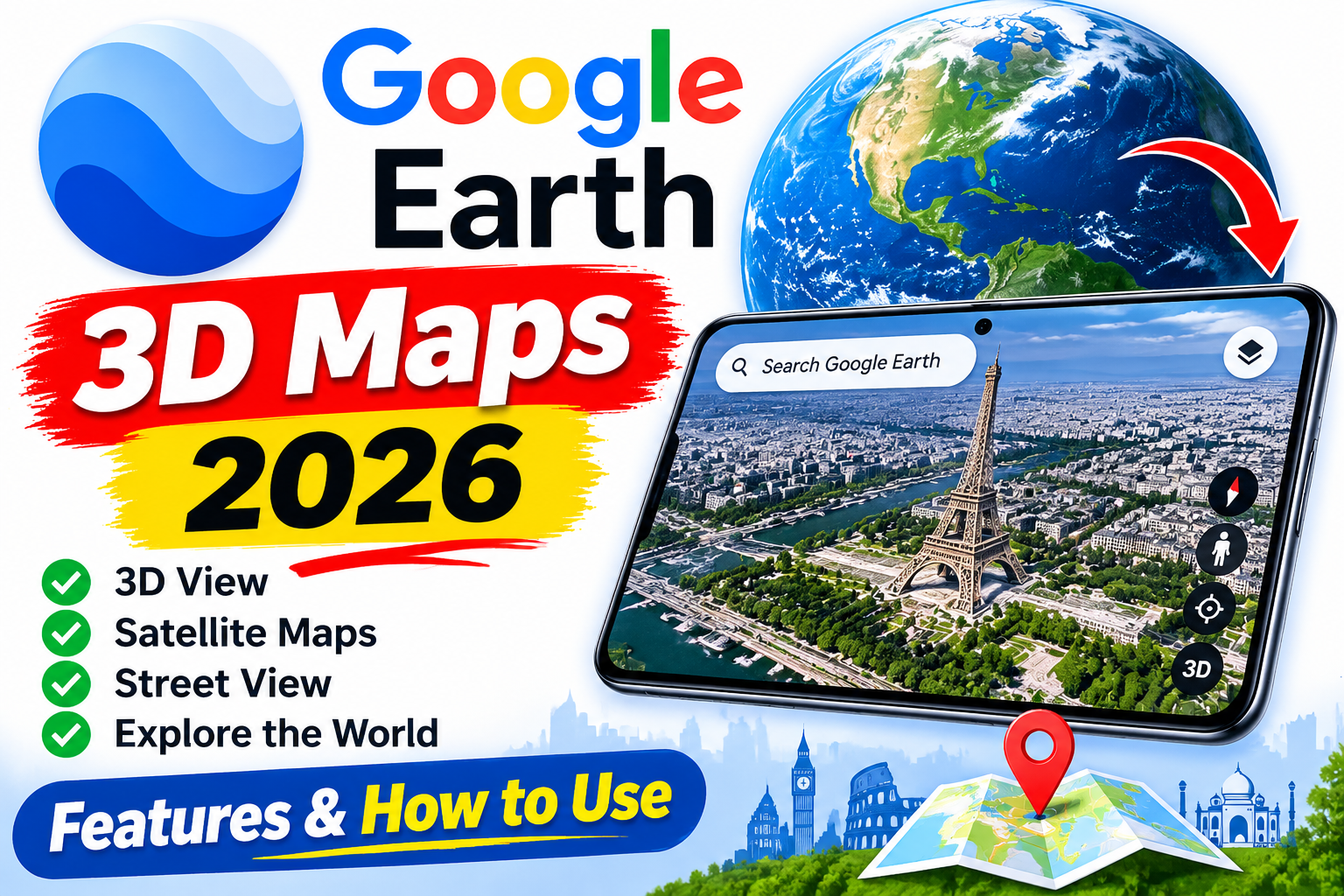
Google Earth 3D Maps 2026 – Features & How to Use Exploring the world has become easier with modern mapping technology, and Google Earth is one of the most useful tools for discovering places from a smartphone or computer. With Google Earth 3D Maps 2026, users can explore cities, mountains, buildings, coastlines, and natural landscapes through satellite imagery and three-dimensional views where available. This application helps users understand geography, discover famous landmarks, examine different locations, and explore destinations without physically travelling there. Whether you are a student, traveller, researcher, or simply curious about the world, Google Earth provides an interactive way to explore our planet. In this article, we will discuss its main features, benefits, compatibility, and how to use Google Earth on Android and other supported devices.
What Is Google Earth 3D Maps?
Google Earth is a geographic exploration platform developed by Google. It allows users to view satellite imagery, aerial photographs, terrain information, and three-dimensional representations of selected locations. Unlike a traditional map, Google Earth lets users zoom in, rotate the view, and explore landscapes from different angles. In supported areas, 3D buildings and terrain provide a more realistic perspective of cities and geographical features. The level of detail varies from one location to another, and not every building or region is available in 3D. Google Earth can be accessed through its website and supported mobile applications, making it convenient for exploring places, learning geography, and planning trips.
Key Features of Google Earth 3D Maps 2026
Google Earth offers several features that make geographical exploration interesting and informative. Satellite imagery allows users to examine landscapes, roads, rivers, coastlines, and settlements from above. Three-dimensional views make selected buildings and terrain appear more realistic, while navigation controls allow users to zoom, rotate, and move around the map. The search feature helps users find cities, countries, landmarks, and other locations by entering their names. Depending on the platform and available data, users can also measure distances, create projects, save interesting places, and share geographic information. These tools make Google Earth useful for education, travel research, presentations, and personal exploration. However, imagery availability and update dates differ by location, so the application should not be considered a live camera showing places in real time.
How to Use Google Earth 3D Maps
Using Google Earth is simple, even for beginners. First, visit the official website at https://earth.google.com/ or find the official Google Earth application on Google Play. Open the platform and enter the name of the city, country, landmark, or location you want to explore in the search bar. Once the location appears, zoom in to examine the surrounding area. In places where 3D imagery is available, adjust the viewing angle or rotate the map to explore buildings and landscapes from different perspectives. You can search for famous landmarks, natural attractions, historical locations, and cities around the world. For a smoother experience, use a stable internet connection and a compatible device. Some detailed views may work better on smartphones or computers with sufficient processing power and graphics capabilities.
Benefits and Uses of Google Earth
Google Earth is useful for several educational and practical purposes. Students can explore continents, mountain ranges, rivers, and major cities to understand geographical concepts more clearly. Teachers can use satellite imagery to make lessons more engaging, while travellers can preview destinations and examine surrounding landscapes before planning a trip. Researchers and content creators can also use geographic imagery to understand locations and prepare educational presentations. The platform can help users discover unfamiliar places and compare different geographical environments from around the world. However, Google Earth should not replace official navigation tools, current travel information, property records, or professional surveying services when accurate and up-to-date information is essential.
Google Earth for Android
Google Earth is available for compatible Android devices through its official Google Play listing. After installation, users can search for locations, explore satellite imagery, and view supported areas in 3D. The application is particularly useful for people who want to explore places while travelling or studying. Its performance depends on the smartphone’s hardware, internet connection, operating system, and the amount of detail being displayed. If the application feels slow, try using a stable internet connection, closing unnecessary background applications, and updating the app to its latest available version. Always download the official application rather than unofficial versions that claim to offer extra features.
Is Google Earth Free and Safe to Use?
Google Earth provides free access to its core geographic exploration features. Users can explore supported locations without purchasing a subscription for basic use. For safety, access the official website or install the verified application from Google Play. Avoid unofficial downloads that request unnecessary permissions or promise features that cannot be verified. Users should also understand that satellite images may be outdated and might not represent the current condition of a location. When using imagery in public content or commercial projects, review Google’s applicable licensing and attribution requirements.
Google Earth vs Google Maps
Google Earth and Google Maps are both useful mapping services, but they have different strengths. Google Maps is generally more suitable for everyday navigation, finding nearby businesses, checking routes, and getting directions. Google Earth focuses more on visual exploration, satellite imagery, terrain, and 3D representations of selected places. Both tools can complement each other: users can explore a destination in Google Earth and use Google Maps for practical route planning. The best option depends on whether you want to explore a location visually or navigate to it.
Frequently Asked Questions
1. What is Google Earth 3D Maps 2026?
Google Earth is a geographic exploration platform that offers satellite imagery and 3D views of supported locations around the world.
2. Is Google Earth free to use?
Yes, its core geographic exploration features are available free of charge.
3. Can I see my house in Google Earth 3D?
You can search for your address, but the available imagery and 3D detail depend on your location.
4. Does Google Earth show places in real time?
No. Google Earth does not provide a continuous live camera feed, and imagery update dates vary by location.
5. Is Google Earth available on Android?
Yes, the official application is available through Google Play for compatible Android devices.
6. What is the difference between Google Earth and Google Maps?
Google Earth focuses on geographic exploration and satellite imagery, while Google Maps is generally more suitable for directions, navigation, and nearby places.