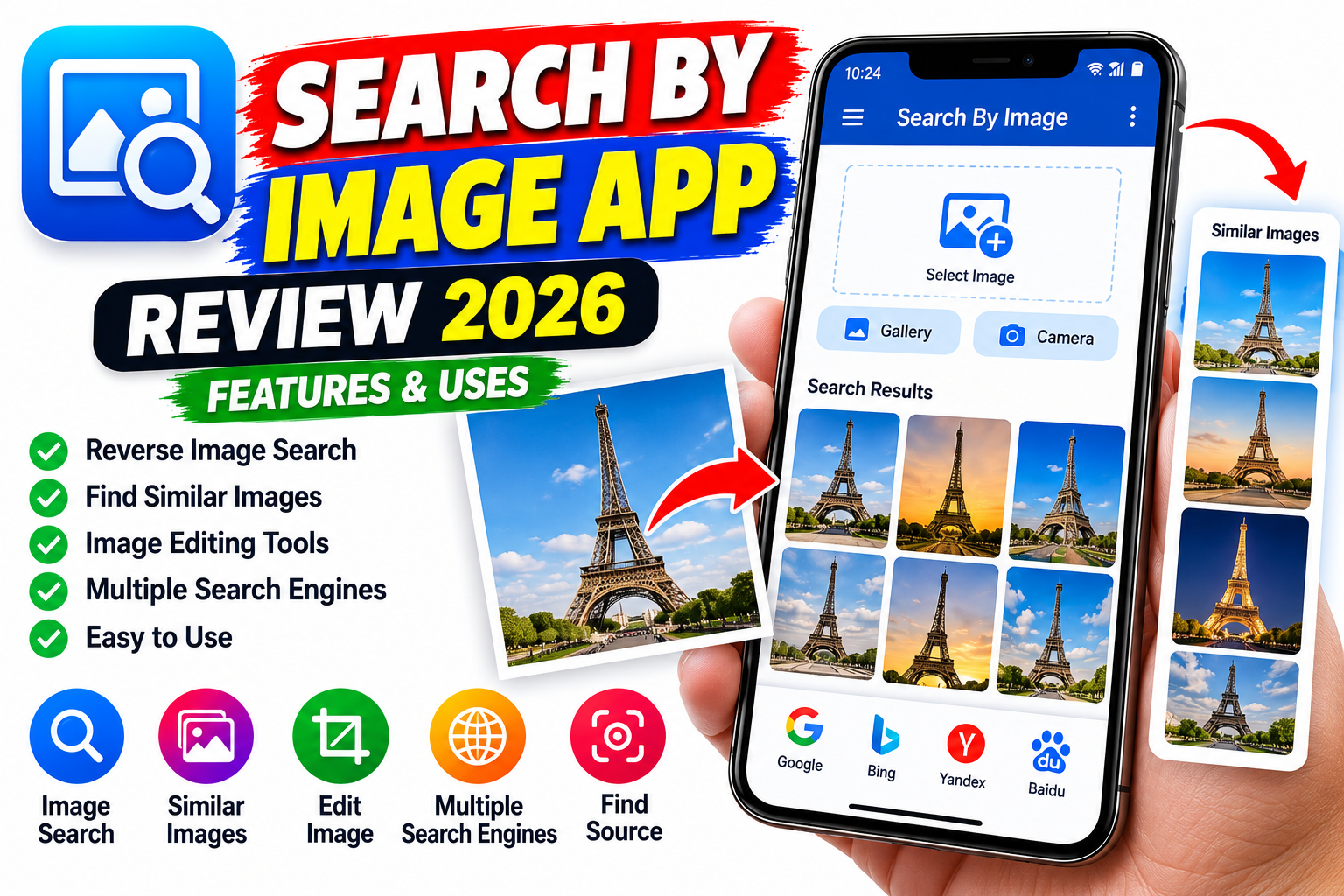
Search By Image App Review 2026 – Features & Uses Finding information about a picture can sometimes be difficult, especially when you do not know its name, source, or original website. The Search By Image app offers a convenient way to search for similar pictures online using an image instead of typing words into a search bar. Developed by PALM TEAM, this Android application provides reverse image search functionality, image editing tools, and access to supported search engines. It can help users discover visually similar pictures, investigate where an image may have appeared online, and explore different versions of the same photograph. In this Search By Image App Review 2026, we will explain its main features, practical uses, advantages, limitations, and how beginners can use it effectively.
What Is the Search By Image App?
Search By Image is an image-search application designed to help users find similar pictures using an existing photo or a newly captured image. Instead of describing an object with words, you can select a picture from your phone and use it to search online. The application supports multiple image-search engines, allowing users to compare results from available sources. According to its Google Play listing, the app also includes basic image editing tools and options for searching images shared from other applications. These features can make image searches more convenient for people who regularly work with photographs, product pictures, landmarks, artwork, and other visual content.
Key Features of Search By Image App
One of the main features of the Search By Image app is reverse image search, which helps users find visually similar pictures across supported search services. The app also provides a built-in image editor that lets users crop, rotate, or flip a picture before searching. Cropping can be particularly useful when a photograph contains several objects but you want to search for only one specific item.
Another useful feature is support for opening images shared from other applications, which can reduce the need to save a picture manually before searching. The app also offers a SafeSearch filter option in its settings. Some features may depend on the selected search engine, the current app version, and the availability of matching images online. The developer’s Google Play listing should be checked for the latest feature information.
How to Use Search By Image on Android
Using the Search By Image app is relatively straightforward. First, open Google Play and search for the official application published by PALM TEAM. Review its details before installing it on your Android phone. Once installed, open the app and select an image from your gallery or capture a new photograph using your camera, where supported.
If necessary, use the built-in editor to crop or rotate the image so the most relevant part is clearly visible. Then start the search using one of the available search engines. Review the results to find similar pictures, possible original sources, or websites containing matching imagery. If the first search does not provide useful results, try cropping the image differently or selecting another available search engine. Results are not guaranteed, particularly when an image is new, uncommon, heavily edited, or unavailable on indexed websites.
Benefits and Practical Uses
The Search By Image app can be useful in several everyday situations. For example, you might want to find a larger version of a picture, discover similar artwork, identify a product shown in a photograph, or locate websites where a particular image appears. Students can use reverse image search to investigate visual references for research, while designers and content creators can use it to explore related images and investigate possible image sources.
The app may also help users check whether a picture appears elsewhere online. However, finding matching images does not automatically establish who created the original image or whether it has been altered. Search results should be checked carefully before making conclusions about authenticity, ownership, or context.
Search By Image App: Advantages and Limitations
The app’s main advantages include its simple interface, image editing tools, support for multiple search engines, and ability to search using pictures rather than text. These functions can make visual searches more convenient than switching between separate websites manually.
However, the app has some limitations. Search results depend on the selected search engine and the images indexed online. Some pictures may not produce any useful matches, and visually similar results are not always identical to the original. The app listing also indicates that it contains advertisements and offers in-app purchases. Users should review the current pricing and purchase details before choosing any paid option. The availability and performance of particular features may change with future updates.
Is Search By Image Safe to Use?
Before installing any application, review its official listing, developer information, permissions, and privacy policy. The Google Play listing for Search By Image includes a Data Safety section describing the developer’s reported data practices. These declarations can change, so read the latest information rather than assuming that every version handles data in the same way.
Avoid uploading private or sensitive photographs to unfamiliar search services. If you are searching for personal images, consider whether you are comfortable sharing them with the selected service. Download the application through its official Google Play listing and keep it updated to the latest available version.
Search By Image vs Google Lens
Search By Image and Google Lens both provide ways to search using pictures, but their interfaces and available features differ. Search By Image focuses on reverse image searches through supported search engines and includes editing options such as cropping, rotating, and flipping. Google Lens can identify objects, provide information about items in photographs, and find similar images through Google’s visual search system.
The best option depends on your requirements. If you want to compare results from multiple supported search engines through one application, Search By Image may be useful. If you prefer Google’s visual search tools for identifying objects and exploring information about a picture, Google Lens is another option worth considering.