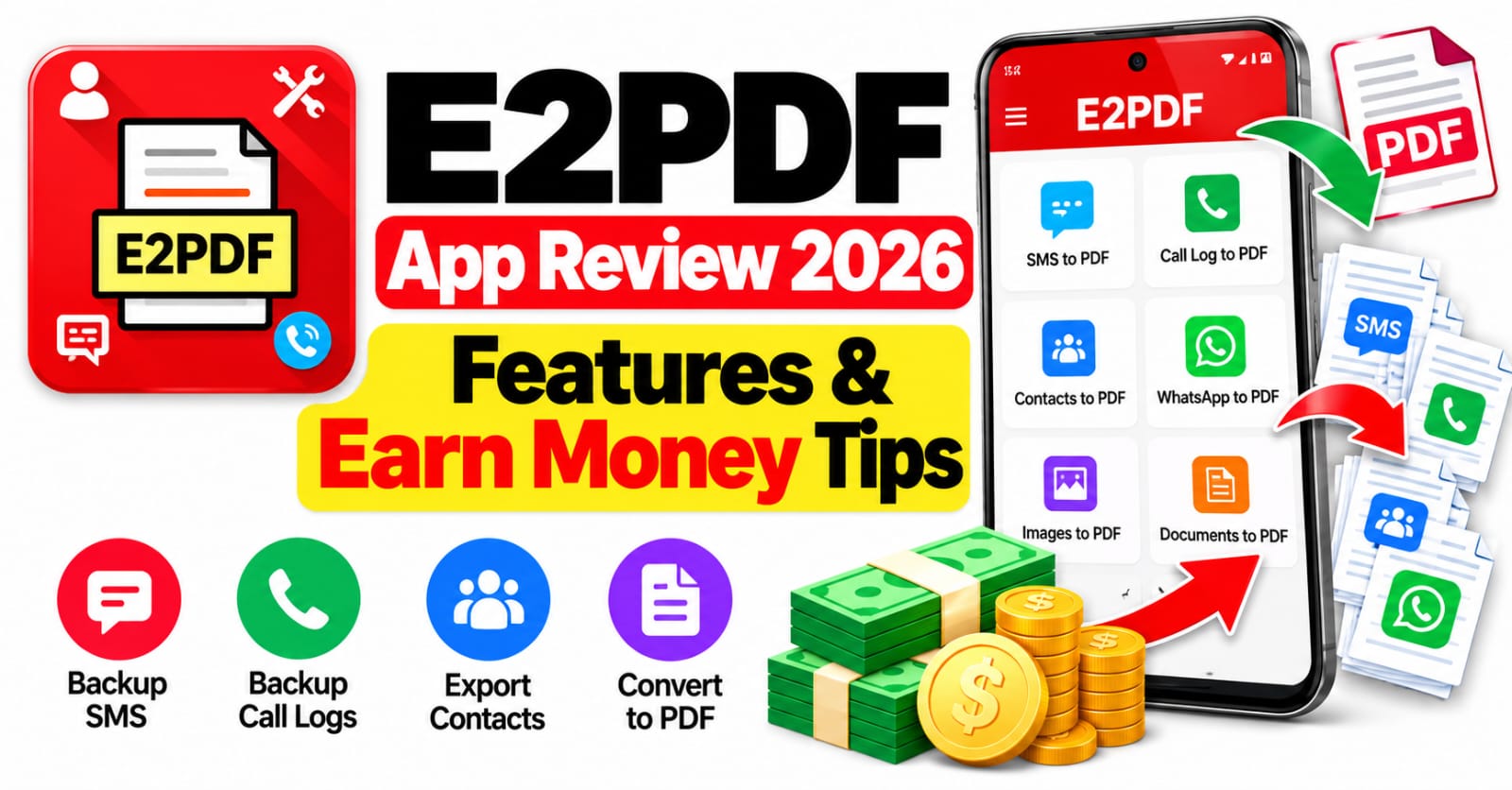
E2PDF App Review 2026: Features & Earn Money TipsSmartphones store a large amount of important information, including text messages, contact details, call history, and personal conversations. Losing this information after changing a phone, resetting a device, or accidentally deleting records can create unnecessary problems. E2PDF is an Android utility app designed to help users back up and export selected phone information into readable PDF documents and supported backup formats. In this E2PDF App Review 2026, we will discuss its main features, practical uses, advantages, limitations, safety considerations, and possible ways to earn money using the skills you develop with PDF tools. The main purpose of E2PDF is data backup and document creation, so it is important to understand its real capabilities rather than expecting guaranteed online income from simply installing the application.
What Is the E2PDF App?
E2PDF, also known as E2PDF SMS Call Backup Restore, is a productivity application developed by Day Dreamer LLC. It helps users create digital copies of selected information stored on compatible Android devices. Depending on the available permissions and app version, users can export SMS conversations, call logs, contacts, and certain statistics into PDF files. Supported backup functions can also use XML formats for selected information. These options are useful for people who want to keep readable records, organize business communications, or preserve important details for future reference. Rather than being a general-purpose PDF editor, E2PDF focuses primarily on exporting and backing up phone data.
Main Features of E2PDF App in 2026
One of the most useful features of E2PDF is its ability to convert selected text message conversations into PDF documents. This allows users to keep an offline copy of important messages without depending entirely on the original messaging interface. The application also supports exporting call history, including selected categories such as incoming, outgoing, and missed calls, where available. Another useful option is the ability to generate certain call and SMS statistics, helping users review communication activity over a selected period. These features can be particularly helpful for personal recordkeeping and small business documentation.
How to Use E2PDF App
Getting started with E2PDF is relatively straightforward for most compatible Android users. First, locate the application on its official Google Play listing and review the developer information, permissions, and current features. After installing it, open the app and select the type of information you want to export, such as messages, call logs, or contacts. Grant only the permissions necessary for the function you intend to use, then select the relevant records and review the available export options. Choose PDF when you want a readable document, or select another supported format when appropriate. Give the file a clear name and save it in a secure location. Before relying on a backup, open the generated file and confirm that the information is complete and readable.
Can You Earn Money from E2PDF?
Its main purpose is backing up and exporting information, and there is no verified basis here to claim that it directly pays users for using its features. However, you may be able to use PDF-related skills to support legitimate online work. For example, freelancers can offer document formatting, PDF organization, file conversion, and basic administrative services to clients who need help managing their documents. You could advertise these services on established freelance platforms or approach small businesses that need assistance with digital paperwork. Always respect client privacy and obtain permission before handling their files. These earning opportunities depend on your skills, demand, and ability to find customers; they are not rewards provided by E2PDF itself.
Is E2PDF App Safe to Use?
Safety is especially important because the app may handle sensitive messages, phone numbers, contact details, and call history. Before installing E2PDF, verify that you have selected the correct application and developer. Review its requested permissions carefully, and understand why access to messages, contacts, or call logs may be needed for specific backup functions. Store exported files in a protected folder or trusted storage account instead of leaving personal records publicly accessible. Downloading from the official Google Play listing is generally preferable to using an unknown APK website, although no download source can guarantee complete security.
Advantages and Disadvantages of E2PDF
E2PDF offers several practical benefits for users who want to preserve important phone information. Its PDF export options make selected records easier to read, store, print, and share, while supported backup features can help with personal organization. The application may also be useful for maintaining business communication records and creating reference documents without manually copying every detail. However, it has limitations. Some functions require sensitive permissions, compatibility can vary between Android devices, and the amount of historical information available may depend on the phone and operating system. Users should also avoid assuming that every feature is free, because pricing and optional purchases can change. Reviewing the current listing and testing a small backup first can help you decide whether the app meets your requirements.
Final Verdict: Is E2PDF Worth Trying in 2026?
E2PDF can be a useful choice for Android users who want to export supported messages, contacts, call records, and statistics into readable PDF files. Its main strength is convenient digital recordkeeping rather than online earning. Before installing it, check the official listing, confirm device compatibility, and consider how you will protect any exported personal information. If your goal is to earn money online, learning document management and offering legitimate PDF-related services may be more realistic than expecting an app to pay you automatically. Overall, E2PDF is worth considering as a phone-data backup utility, provided that its available features suit your needs and you use it responsibly.