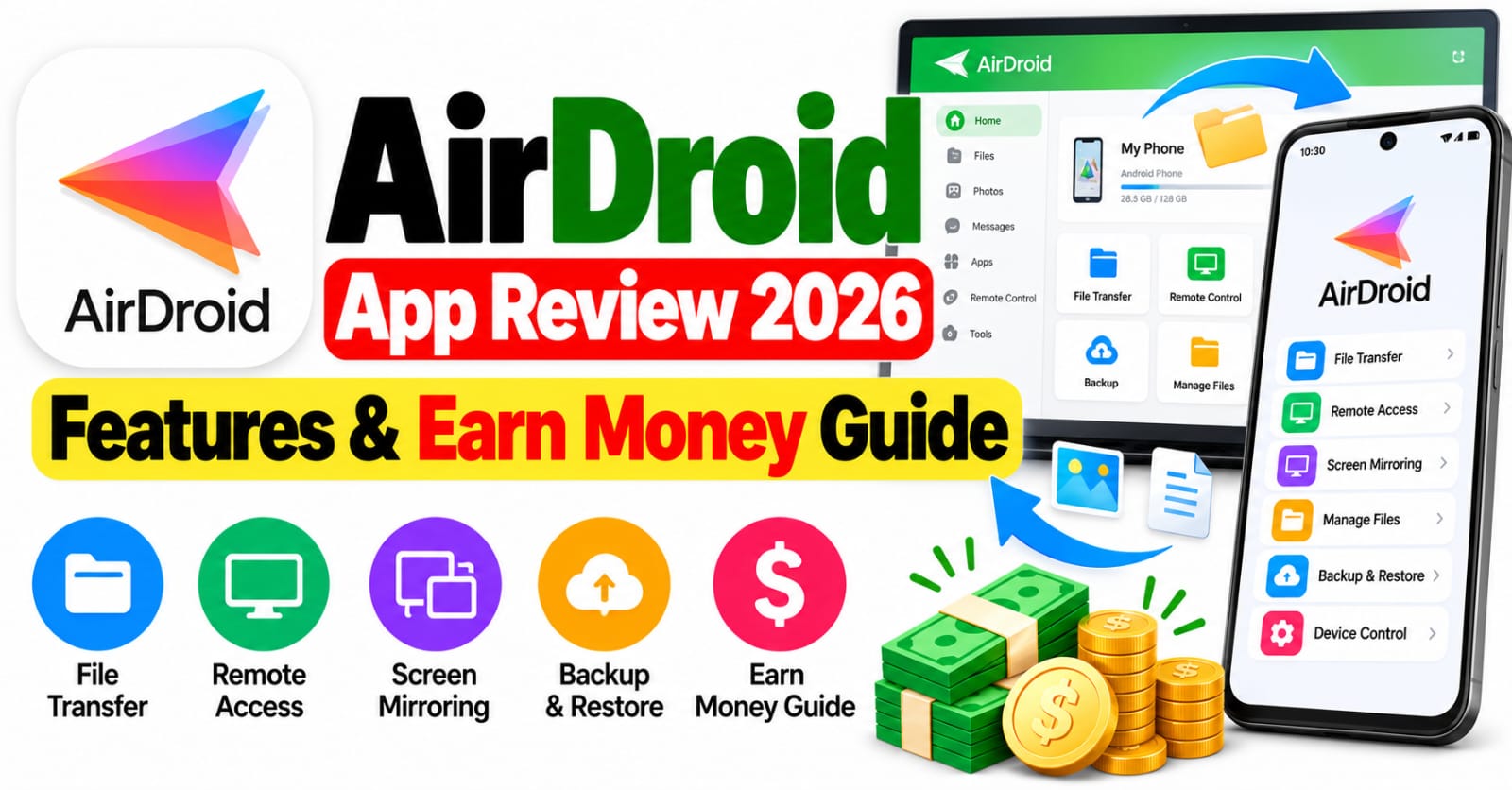
AirDroid App Review 2026: Features & Earn Money Guide Smartphones have become an important part of everyday life, helping people communicate, manage files, attend online classes, and complete professional tasks. However, transferring files between a mobile phone and a computer can sometimes be inconvenient, especially when users do not want to rely on USB cables. AirDroid offers a convenient solution by allowing users to manage compatible devices, transfer files, access notifications, and use several remote-control features. In this AirDroid App Review 2026, we will explore its main features, practical benefits, security considerations, limitations, and possible ways to earn money using its tools. If you are searching for a useful Android application that can improve your productivity, understanding what AirDroid actually offers can help you decide whether it is worth trying.
What Is the AirDroid App?
AirDroid is a device management application designed to make communication between smartphones and computers easier. AirDroid Personal provides tools for transferring files, managing selected phone content, viewing notifications, and remotely accessing compatible Android devices. Users can connect supported devices through a local network or configure remote access when using different networks. This makes the application useful for students, office workers, content creators, and people who regularly move documents, photographs, and videos between devices. AirDroid also provides related products for screen casting and remote technical support. Because different products have different purposes and subscription options, users should check the official website and confirm which version matches their requirements before downloading the application.
Main Features of AirDroid App in 2026
One of AirDroid’s most useful features is wireless file transfer, which allows users to move photographs, videos, documents, and other supported files between compatible devices. This can save time when organizing files for work or study. Another important feature is remote device management, which can help users access supported Android phones from a computer or another compatible device. Screen mirroring is useful for presentations, demonstrations, online teaching, and showing mobile content on a larger display. Depending on the product, configuration, and permissions, users can also manage notifications and messages from a computer. Some versions provide remote camera access and additional device management options. Certain advanced features require paid subscriptions, and availability can vary according to the operating system and device. Therefore, reviewing the current feature list is important before choosing a plan.
How to Use AirDroid App
Getting started with AirDroid is relatively simple. First, visit the official AirDroid website or locate the appropriate application through a trusted app store. Install the relevant software on your phone and the computer or other device you want to connect. Create an account if required and sign in using the same account on the supported devices. Follow the on-screen instructions to establish a connection and grant only the permissions necessary for your chosen features. You can then select options such as file transfer, notification management, or screen mirroring, depending on the product and device compatibility. For remote access, additional security settings may need to be enabled. Always test the connection with non-sensitive files before transferring important documents, and make sure that you understand how to disconnect devices when you finish using the service.
Can You Earn Money with AirDroid?
Many people search for mobile applications that can help them earn money online, but AirDroid is primarily a productivity and device management tool rather than a direct earning application. There is no verified basis here to claim that it automatically pays users for transferring files, connecting devices, or mirroring their screens. However, its features may support legitimate online work when combined with useful skills. For example, freelancers can use wireless file transfer to organize project materials, screen mirroring to demonstrate software, or remote support tools to help clients troubleshoot technical problems with their permission. You might offer computer assistance, basic technical support, or digital file organization services through established freelance platforms. Earnings depend on your experience, the services you offer, and your ability to find customers. Never assume that installing AirDroid guarantees income, and avoid websites that promise unrealistic payments for simply using the app.
Is AirDroid App Safe to Use?
Security should always be considered when using applications that can access files, notifications, or remote device functions. Download AirDroid from its official website or a trusted app store, keep the application updated, and review its permissions carefully. Use a strong, unique password and enable additional account security measures if available. Remote access can be convenient, but it should only be configured on devices you own or have explicit permission to manage. Never share account credentials or connection codes with unknown people, and disconnect remote sessions when they are no longer needed. If you handle business documents or private photographs, consider where files are stored and who can access them. These precautions help reduce unnecessary risks, although no application can guarantee complete protection against every security threat.
Advantages and Disadvantages of AirDroid
AirDroid offers several advantages for users who frequently work across mobile phones and computers. Wireless file transfer reduces the need for cables, while screen mirroring and remote access can make certain tasks more convenient. The application can also help users organize their workflow by bringing selected mobile activities onto a larger screen. However, there are some limitations to consider. Certain advanced features may require payment, remote connections depend on a reliable network, and some functions may not work identically across all devices. Users also need to configure permissions correctly and understand the privacy implications of remote access. People who only need to transfer a few files occasionally may prefer a simpler solution, while those who regularly manage multiple devices may benefit more from AirDroid’s broader feature set.
Final Verdict: Is AirDroid Worth Trying in 2026?
AirDroid is worth considering if you want to transfer files wirelessly, manage compatible Android devices, view selected notifications, or mirror your phone’s screen on a computer. Its range of productivity features can be helpful for students, professionals, freelancers, and everyday smartphone users. However, the best experience depends on your device compatibility, internet connection, security settings, and whether you need paid features. Regarding online earning, AirDroid should be viewed as a supporting tool rather than an application that guarantees direct payments. Learning technical support, file management, or digital workflow skills may create opportunities for freelance work, but income is never assured.