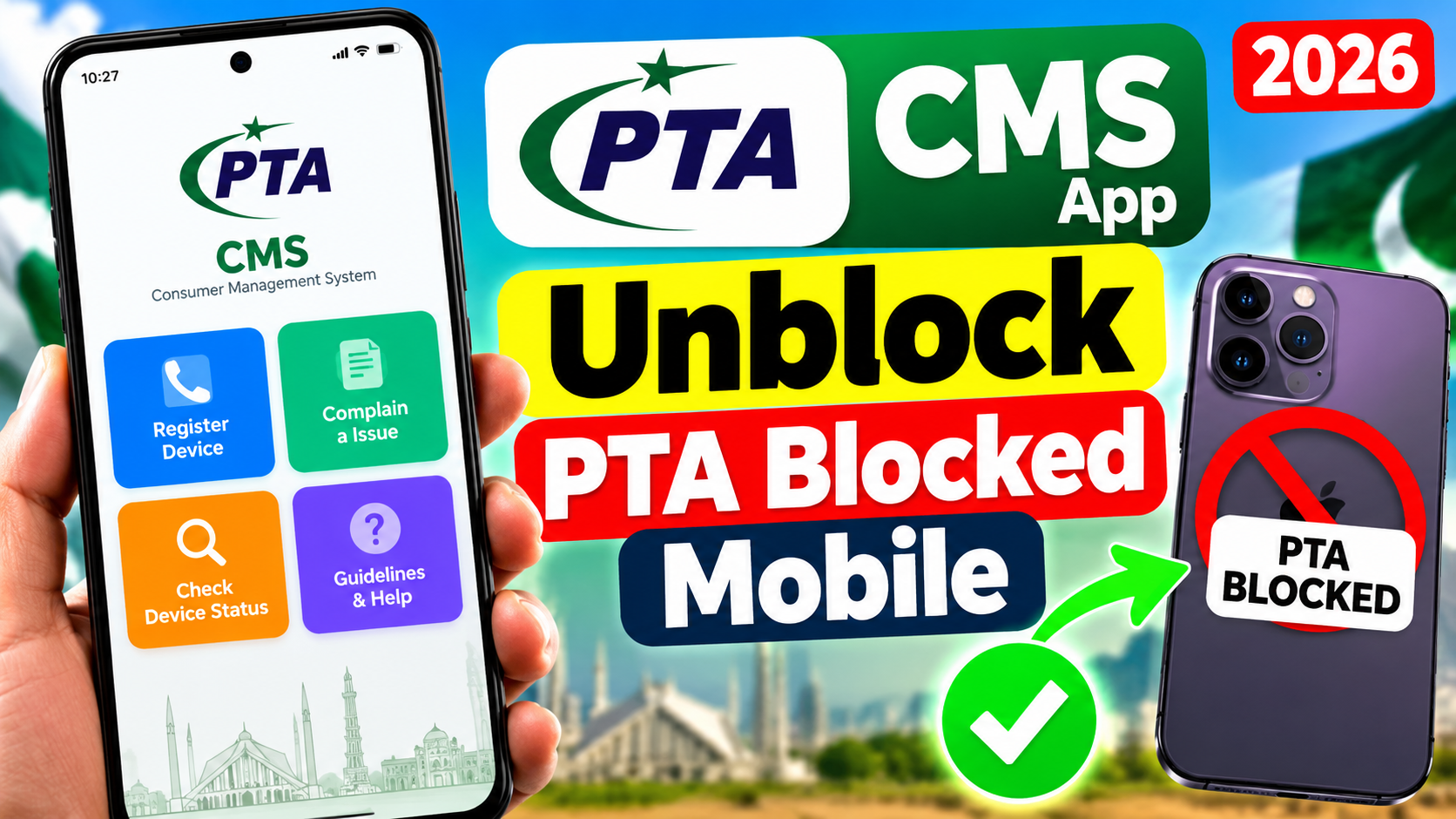
PTA CMS App 2026 – Unblock PTA Blocked Mobile in Pakistan The PTA CMS App 2026 is a useful application for mobile users in Pakistan who want to report problems related to PTA mobile blocking, IMEI registration, DIRBS compliance, and other telecommunications issues. PTA stands for Pakistan Telecommunication Authority, while CMS means Complaint Management System. Through this platform, users can submit complaints, provide relevant mobile phone information, attach supporting documents when required, and track the progress of their requests.
If your mobile phone is showing a PTA-blocked message or you are facing a registration-related issue, the PTA CMS app may help you report the problem through the official complaint process. However, it is important to understand that submitting a complaint does not automatically unblock a mobile phone. The final decision depends on the reason for blocking, the accuracy of the information provided, and the applicable PTA rules.
How to Download PTA CMS App
Downloading the PTA CMS app is straightforward for Android users. First, open the Google Play Store on your mobile phone and search for PTA CMS, or use the official download link provided below. Before installing the application, check the developer information to ensure that you are downloading the official app published by the Pakistan Telecommunication Authority. Once the application is installed, open it and follow the on-screen instructions to register or sign in.
Depending on the complaint category, you may need to provide your contact information, mobile device details, and other supporting information. Always enter accurate details and avoid sharing your personal information with unofficial websites or unknown individuals who claim they can unblock any mobile phone.
How to Report a PTA-Blocked Mobile Phone
If your mobile phone has been blocked or you believe there is an error in its registration status, you should first identify the reason for the problem. Open the PTA CMS application and look for the relevant complaint category related to mobile registration, DIRBS, or an IMEI issue. Enter the information requested by the application, including your phone model, IMEI number, and other relevant details. You can find your IMEI by dialing *#06# on your phone. If the app requests supporting evidence, provide suitable documents or screenshots that help explain your issue.
Review the information carefully before submitting the complaint and save the complaint reference number for future tracking. PTA will review the case according to the relevant procedures and determine whether any correction or further action is possible. If the device is blocked because of non-compliance with registration requirements, you may need to complete the applicable official registration process rather than submitting a general complaint alone.
How to Check PTA Mobile Status Online
Before submitting a complaint, it is a good idea to check your mobile phone’s PTA status. You can visit the official PTA Device Identification, Registration and Blocking System (DIRBS) website at https://dirbs.pta.gov.pk and follow the available instructions for checking your device. The applicable SMS verification method may also be available by sending your IMEI number to 8484. These methods can help you understand whether your device is compliant, unregistered, or facing another status-related issue.
If the information indicates that your mobile phone does not meet the applicable requirements, follow the official instructions provided by PTA for resolving the issue. Keep your purchase receipt and other relevant ownership documents available in case they are required. Never change, duplicate, or manipulate an IMEI number to bypass a device restriction, as this can create additional legal and technical problems.
Benefits of the PTA CMS App
One of the main advantages of the PTA CMS app is that it provides a digital channel for reporting supported telecommunications complaints without requiring users to visit an office for every issue. Users can provide information about their problems, submit relevant evidence when requested, and track complaint progress through the available features. This can make it easier to maintain a record of a complaint and follow the official resolution process.
The app may also help users report other supported telecom-related problems, depending on the complaint categories available in the current version. For the best experience, keep the application updated, use a stable internet connection, and make sure your account details are correct. If you cannot submit a complaint through the app, visit the official PTA website and look for the available alternative complaint channels.
Final Words
The PTA CMS app is a useful option for people in Pakistan who want to report PTA-related mobile registration problems, IMEI issues, or other supported telecommunications complaints. By downloading the official application, selecting the appropriate complaint category, providing accurate information, and keeping the reference number.
You can follow the proper process for getting your issue reviewed. Remember that the solution depends on the specific reason your phone has been blocked, and not every device can be unblocked through a complaint. Always verify your mobile status through official PTA channels and avoid paying unofficial agents who promise guaranteed results.