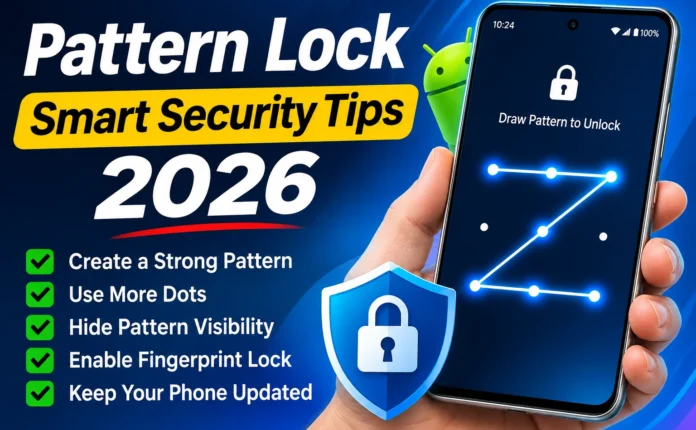
Smart Security Tips 2026 Smartphones have become an important part of our daily lives. We use them for personal communication, social media, online banking, photos, emails and other important activities. Protecting this information is essential, and setting a secure screen lock is one of the easiest ways to improve smartphone security.
Pattern Lock Screen Lock is a popular security feature available on Android smartphones. It allows users to protect their devices by drawing a specific pattern on a grid of dots. In this guide, we will explain how to set up a pattern lock and share useful security tips to protect your Android phone in 2026.
What Is Pattern Lock Screen Lock?
Pattern Lock Screen Lock is an Android security feature that allows users to unlock their smartphones by connecting dots in a specific sequence. Instead of entering a PIN or password, users simply draw their selected pattern on the screen It is easy to use, quick to access and available on many Android devices, including Samsung, Xiaomi, Vivo, Oppo, Realme, Tecno and Infinix smartphones.
1. Keep Your Pattern Private
Never share your screen lock pattern with people you do not trust. Be careful when unlocking your phone in public places.
2. Clean Your Screen Regularly
Fingerprints and smudges may leave visible marks on your smartphone screen. Cleaning your display regularly can help reduce visible traces of your unlocking pattern.
3. Enable Additional Security Features
Many Android smartphones offer additional security options, including fingerprint recognition and face unlock. You can use these features alongside an appropriate backup screen lock.
Pattern Lock vs PIN vs Password
Android smartphones offer different screen lock options. Each method has its own advantages Security Method| Main Advantage Pattern Lock| Quick and convenient PIN Lock| Simple numerical protection Password Lock| Flexible and strong when properly chosen Fingerprint Lock| Convenient biometric unlocking Face Unlock| Quick face-based access The best option depends on your device, security requirements and personal preferences.
What to Do If You Forget Your Pattern Lock?
Forgetting your screen lock pattern can be frustrating. However, you should use official recovery options supported by your smartphone manufacturer Depending on your device, available options may include Using an official account-based recovery option, if supported.
Following the manufacturer’s device recovery instructions Contacting an authorized service centre for assistance Restoring the device through an official reset procedure, if necessary Remember that a factory reset may erase data stored on your device. Check your backup options before proceeding.
Why Is Screen Lock Security Important in 2026?
Smartphones contain valuable personal information, including private messages, photographs, contacts, saved accounts and financial applications. Without a screen lock, someone who gets access to your unlocked device may be able to view sensitive information.
A secure Pattern Lock Screen Lock helps create an additional layer of protection against unauthorized access. For better security, keep your Android operating system updated and use strong passwords for important online accounts.
Download App
Pattern Lock Screen Lock remains a convenient way to protect Android smartphones in 2026. By choosing a less predictable pattern, keeping it private and enabling additional security features, you can improve your device.