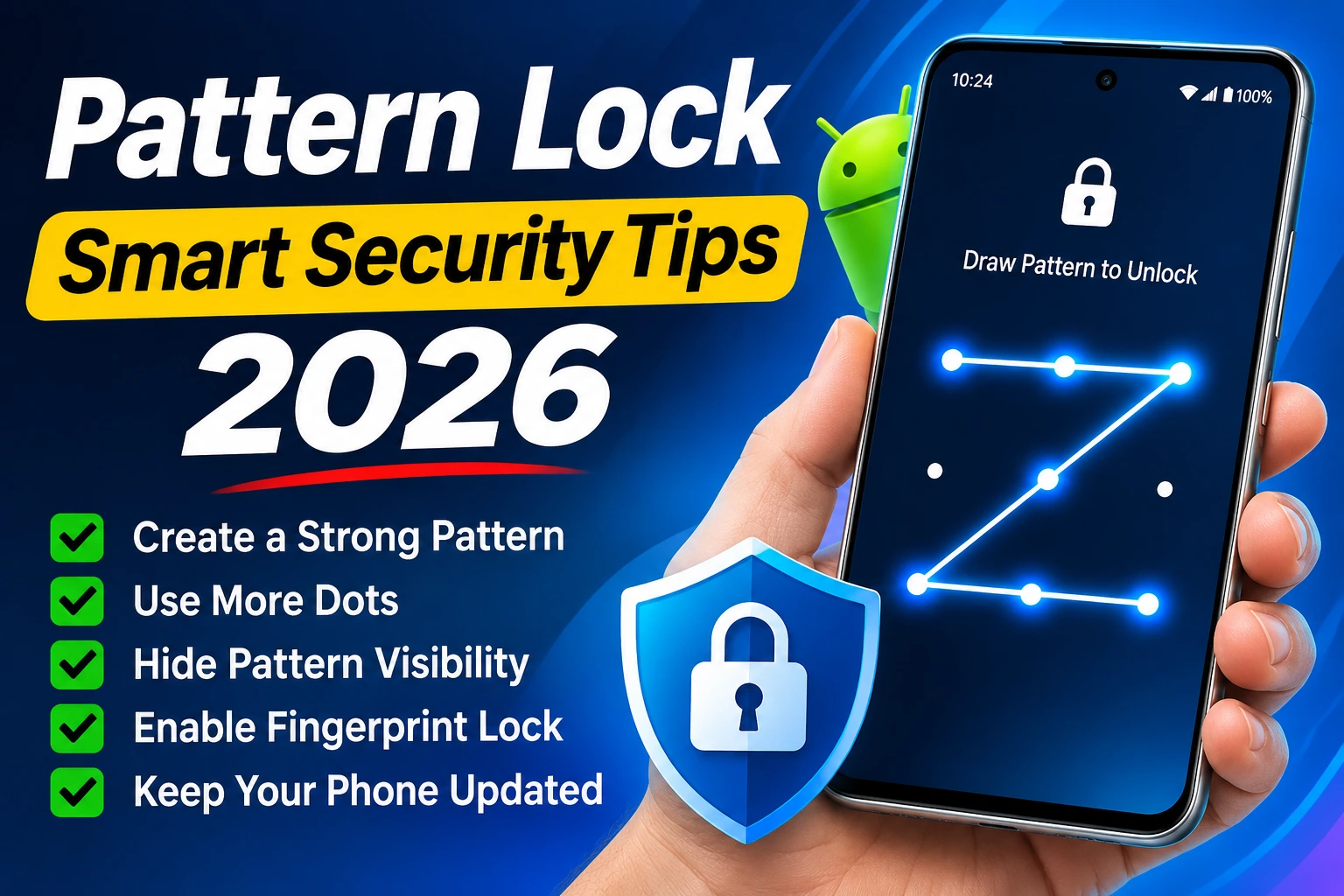
Pattern Lock Smart Security Tips 2026 Smartphones contain important personal information, including photos, contacts, messages, banking apps, and social media accounts. Protecting this information is essential for every smartphone user. One of the easiest ways to secure an Android device is by using a strong screen lock.
In 2026, Android smartphones offer different security options, such as pattern locks, PINs, passwords, and fingerprint recognition. If you prefer using a pattern lock, choosing a unique combination can help protect your device from unauthorized access.
What Is a Pattern Lock?
A pattern lock is a security feature available on most Android smartphones. It allows users to unlock their devices by connecting dots on a 3×3 grid. Instead of entering a password or PIN, you simply draw your selected pattern on the screen Pattern locks are easy to use and convenient for everyday smartphone users. However, choosing a simple or predictable pattern can reduce your phone’s security.
Best Pattern Lock Smart Security Tips 2026
1. Choose a Unique Pattern
Avoid using simple patterns that follow familiar shapes, such as straight lines or basic letters. Choose a unique combination that is difficult for others to predict but easy for you to remember.
2. Use More Dots
Android pattern locks allow users to connect multiple dots on the screen. Using more dots can make your pattern less predictable. Try selecting a longer combination instead of a short and simple design.
3. Hide Pattern Visibility
Many Android smartphones include an option to hide pattern visibility. When this feature is enabled, the connecting line will not appear while drawing your pattern You can usually find this option in your phone’s Security or Lock Screen settings. This can help reduce the chance of someone watching your pattern while you unlock your device.
4. Enable Fingerprint Lock
If your smartphone supports fingerprint recognition, consider enabling it. Fingerprint authentication makes unlocking your device convenient while keeping your screen lock as a backup option Always make sure your backup PIN or password is also strong.
5. Keep Your Android Phone Updated
Software updates are important for smartphone security. Manufacturers regularly release updates to fix security problems, improve performance, and provide new features Open your phone’s Settings and check for available system updates. Install updates from official sources Additional Smartphone Security Tips A strong pattern lock is useful, but you should also follow other security practices to protect your personal information
Enable Google’s Find My Device feature Avoid downloading applications from unknown websites Check app permissions regularly Use a strong PIN or password as a backup Never share your screen lock pattern with others Keep your important applications updated Avoid clicking suspicious links or downloading unknown files These simple practices can help improve your smartphone’s overall security.
Pattern Lock vs PIN: Which Is Better?
Both pattern locks and PINs provide screen protection, but their security depends on how they are configured A longer, unpredictable PIN generally offers stronger protection than a simple pattern. However, a unique pattern can still be useful for everyday smartphone security If your smartphone supports fingerprint recognition, combining it with a strong backup PIN is a convenient security option.
Final Words
Smartphone security is more important than ever in 2026. A strong pattern lock can help prevent unauthorized access and protect your personal information Follow these Pattern Lock Smart Security Tips 2026 to improve your Android phone’s security. Choose a unique pattern, hide pattern visibility, enable fingerprint authentication, and keep your device updated.
Download App