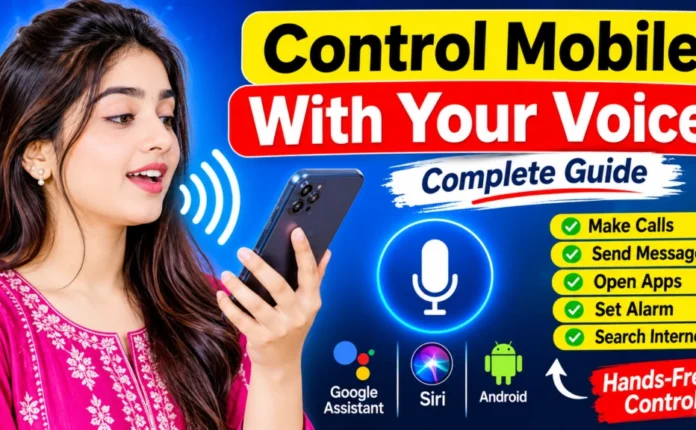
Mobile Control From Voice: How to Control Your Phone With Voice Commands Smartphones are becoming smarter every year, and voice control is one of the most useful features available today. With voice commands, you can perform many tasks on your mobile phone without touching the screen. You can open apps, make calls, send messages, search the internet, set alarms, and control different phone functions simply by speaking.
This feature is useful for people who want faster smartphone access, hands-free operation, or an easier way to use their device.
What Is Mobile Voice Control?
Mobile voice control allows you to operate your smartphone using spoken commands. Your phone listens to your voice, recognizes the command, and performs the requested action.
Android smartphones can use Google Assistant and Voice Access, while iPhones provide Siri and Voice Control. The exact features can vary depending on your device, operating-system version, language, and settings.
How to Control an Android Phone With Voice
Android users can start by checking their phone’s Settings. Search for Google Assistant, Voice Access, or Accessibility.
If Voice Access is available, enable the feature and follow the instructions displayed on the screen. You may need to provide microphone and accessibility permissions.
After setup, you can use supported voice commands to interact with your phone. For example, you may be able to open applications, select items on the screen, scroll through pages, or return to the previous screen.
How to Control an iPhone With Voice
iPhone users can use Siri for many common voice commands. Go to Settings and look for Siri or Apple Intelligence & Siri, depending on your iOS version.
For more detailed hands-free control, iPhone also includes Voice Control in Accessibility settings. Once enabled, you can use spoken commands to interact with buttons, menus, and other parts of the screen.
This can be particularly convenient when you cannot easily use the touchscreen.
Useful Voice Commands
There are many everyday tasks that can be performed with voice commands. Depending on your phone, you can try commands such as:
- Open YouTube
- Call a contact
- Send a message
- Set an alarm
- Set a reminder
- Check the weather
- Search Google
- Open Settings
- Increase or decrease volume
- Take a screenshot
- Go back
- Open another application
Not every command works on every device, so you should check which features are supported by your phone.
Benefits of Mobile Voice Control
Voice control can save time and make smartphone use more convenient. Instead of tapping through several menus, you can often complete a simple task with one spoken command.
It is also useful when your hands are busy. For example, you might use voice commands while cooking or doing another task where touching your phone is inconvenient. Accessibility features can also make smartphones easier to operate for people who have difficulty using a touchscreen.
Tips for Better Voice Control
For better voice recognition, speak clearly and use a quiet environment whenever possible. Make sure your phone’s microphone is clean and not blocked by a case.
If your phone does not recognize commands correctly, check the selected language, microphone permissions, internet connection, and software updates. Keeping your phone updated can also provide improvements to voice features.
Is Mobile Voice Control Safe?
Voice assistants and accessibility services may require permissions to microphone, apps, or other phone functions. Before enabling a voice-control feature, review the permissions and privacy settings.
Avoid sharing passwords, banking information, or other sensitive details through voice commands, especially in public places.
Conclusion
Mobile control from voice is a convenient feature that can make everyday smartphone use faster and easier. Whether you use Android or iPhone, built-in voice assistants and accessibility tools can help you perform many tasks without constantly touching the screen.