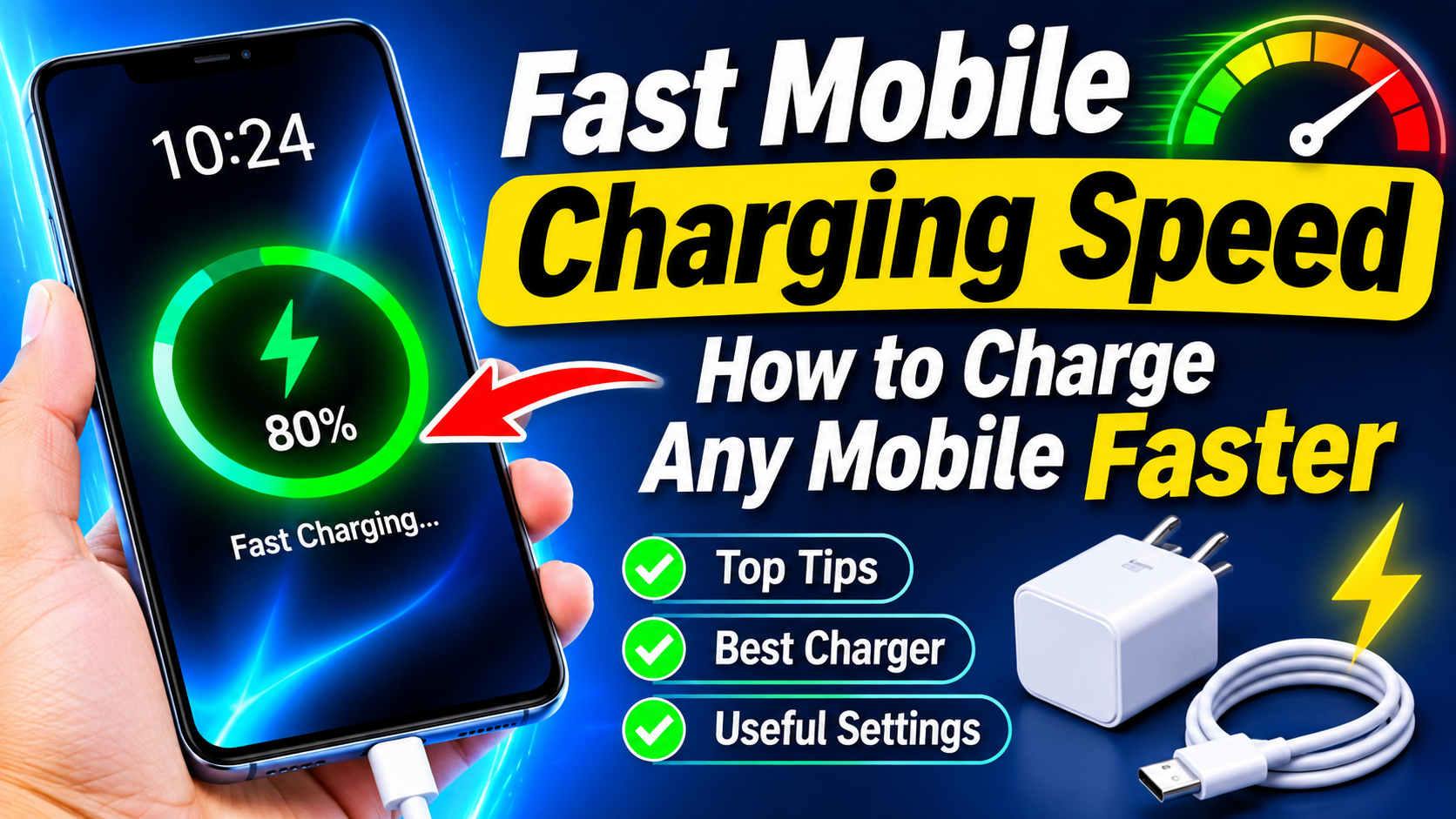
Fast Mobile Charging Speed: How to Charge Any Mobile Faster
In today’s busy world, smartphone battery life and charging speed have become more important than ever. Whether you use an Android phone or an iPhone, waiting for hours for a battery to reach 100% can be frustrating. Fortunately, there are several safe and practical ways to increase mobile charging speed and reduce charging time.
This guide explains how fast charging works, what affects charging speed, and how you can charge your mobile phone faster without damaging the battery.
What Is Fast Mobile Charging?
Fast charging is a technology that allows a smartphone to receive more electrical power in less time. Traditional chargers may provide relatively low power, while modern fast chargers can deliver significantly higher wattage when the phone supports it.
The actual charging speed depends on several factors, including the phone model, charger, cable, battery condition, temperature, and charging technology supported by the device.
For example, a phone designed for 67W charging may charge much faster with a compatible 67W charger than with an older 10W adapter.
How to Increase Mobile Charging Speed
1. Use the Original or Compatible Fast Charger
One of the easiest ways to improve charging speed is to use the charger recommended by your phone manufacturer. Many smartphones support proprietary or industry-standard fast-charging technologies.
Always check your phone’s specifications before purchasing a high-wattage charger. A charger with a higher wattage does not automatically make every phone charge faster.
2. Use a High-Quality Charging Cable
The charging cable can also affect charging performance. Damaged, low-quality, or incompatible cables may limit the amount of power your phone can safely receive.
For fast charging, use a cable that supports the charging standard and power level required by your smartphone. USB-C phones should generally use a suitable USB-C cable rated for the required power.
3. Turn Off Unnecessary Features
Your phone consumes power while charging. Mobile data, GPS, Bluetooth, gaming, video streaming, and background applications can increase power consumption.
If you want faster charging, consider turning off unnecessary features while the phone is plugged in. Airplane Mode can also reduce network-related power consumption when you do not need calls or mobile data.
4. Avoid Using Your Phone While Charging
Gaming, watching high-resolution videos, or using demanding applications while charging can generate heat and slow down charging.
For the fastest results, leave the phone idle while it charges. This also helps reduce unnecessary battery temperature.
5. Keep the Phone Cool
Temperature has a major effect on charging speed and battery health. Smartphones may automatically reduce charging power when they become too hot.
Avoid charging your phone under a pillow, inside a hot car, or in direct sunlight. Remove thick cases temporarily if your phone becomes unusually warm during charging.
Does a Higher-Watt Charger Always Charge Faster?
No. The phone controls how much power it accepts.
For example, connecting a 100W charger to a smartphone that supports only 25W charging will not necessarily make the phone charge at 100W. The device and charger communicate to determine a safe charging level.
Therefore, before buying a powerful charger, check the maximum supported charging speed of your specific smartphone.
Why Does Charging Slow Down Near 100%?
It is normal for smartphone charging to become slower as the battery approaches full capacity. Fast charging is generally most noticeable when the battery level is low.
As the battery gets closer to 100%, the phone reduces charging power to manage heat and battery stress. This means charging from 20% to 80% can be much faster than charging from 80% to 100%.
Best Charging Habits for Battery Health
Fast charging is convenient, but good charging habits can help maintain battery performance over time. Use certified or reputable chargers and cables, avoid extreme temperatures, and keep your phone’s software updated.
You should also avoid repeatedly using damaged charging accessories. If the charger, cable, or charging port becomes unusually hot, stop using it and check the equipment.
Common Mistakes That Slow Down Charging
Some common mistakes can make charging slower:
- Using a low-power or incompatible charger
- Using a damaged charging cable
- Charging in very hot conditions
- Gaming while charging
- Running many background applications
- Using a dirty or damaged charging port
- Using an unsuitable extension or low-quality charging accessory
Fixing these issues can often improve charging performance without changing the phone itself.
Conclusion
Getting faster mobile charging speed does not always require buying an expensive charger. Using a compatible fast charger and cable, keeping your phone cool, reducing background activity, and avoiding heavy use while charging can make a noticeable difference.
App Link
Remember that every smartphone has a maximum charging capability. For the best combination of speed and battery health, always follow the charging specifications provided for your particular device.
If your phone supports fast charging, the right charger, cable, temperature, and charging habits can help you get more battery power in less time.