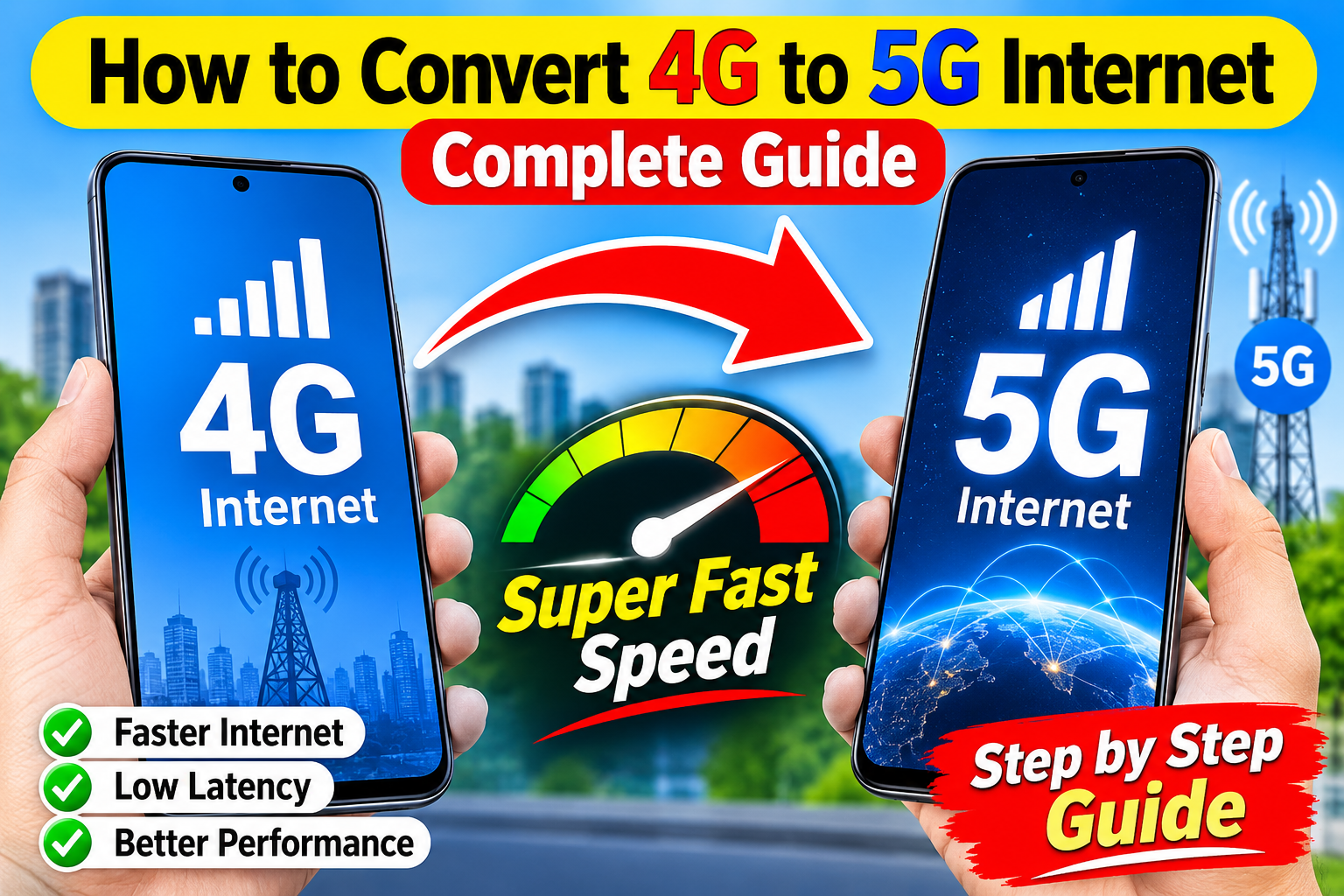
How to Convert 4G to 5G Internet: Complete Guide
5G internet offers faster download speeds, lower latency, and better network performance than 4G. Because of these benefits, many smartphone users want to know how to convert 4G to 5G internet. The good news is that you may be able to use 5G without changing your mobile number or buying a completely new SIM. However, simply changing a setting cannot turn a 4G-only phone into a real 5G device.
In this guide, we explain how 4G and 5G work, what you need to use 5G, and how to enable 5G on a compatible smartphone.
Can You Convert 4G to 5G?
The short answer is no, you cannot convert a 4G-only phone into a true 5G phone using software or an app. 5G requires compatible hardware, including a 5G modem and supported network bands.
If your smartphone already supports 5G but is currently connected to 4G, you can usually enable 5G from the phone’s mobile network settings. If your phone only supports 4G, installing an application or changing a hidden setting will not add 5G hardware.
What Do You Need for 5G Internet?
Before trying to activate 5G, check these important requirements:
1. A 5G-Compatible Smartphone
Your phone must have a 5G modem and support the 5G bands used by your mobile operator. Check your phone’s specifications or model information to confirm whether it supports 5G.
2. 5G Network Coverage
You also need to be in an area where your network operator provides 5G service. If 5G coverage is unavailable in your location, your phone may automatically connect to 4G.
3. Compatible SIM or Mobile Plan
Depending on the operator, your existing SIM may work with 5G, while some networks may require a newer SIM or a compatible 5G package. Contact your mobile operator if you are unsure.
4. Updated Software
Keeping your smartphone updated can help ensure that network features and carrier configurations work correctly.
How to Enable 5G on Android
If your Android phone supports 5G, you can usually enable it by following these steps:
- Open Settings.
- Go to Mobile Network, Connections, or SIM & Mobile Network.
- Select the SIM card you use for mobile data.
- Tap Preferred Network Type or Network Mode.
- Choose an option such as 5G/4G/3G/2G Auto or 5G Preferred.
- Turn mobile data off and on again, or restart your phone.
The exact names of these options vary between Samsung, Xiaomi, OnePlus, Oppo, Vivo, Google Pixel, and other Android devices.
How to Enable 5G on iPhone
On a compatible iPhone, you can check the 5G settings by going to:
Settings → Cellular/Mobile Data → Cellular Data Options → Voice & Data
You may see options such as 5G Auto, 5G On, and LTE. Select the appropriate 5G option for your needs.
If you do not see a 5G option, your iPhone model, carrier, plan, or current network configuration may not support 5G.
Why Is My 5G Phone Still Showing 4G?
Sometimes a 5G-compatible phone continues to display 4G. This does not necessarily mean that your phone is faulty.
Possible reasons include:
- 5G coverage is unavailable in your current location.
- Your mobile operator has not activated 5G for your SIM or plan.
- Your phone does not support the local 5G bands.
- 5G is disabled in network settings.
- Battery-saving settings are affecting network selection.
- Temporary network congestion or operator maintenance is occurring.
- Your phone software or carrier settings need an update.
Try moving to an area with stronger 5G coverage and check your network settings again.
Can an App Convert 4G to 5G?
No legitimate application can physically upgrade a 4G modem to 5G. Apps that claim to provide “4G to 5G conversion” with one click are generally changing network settings, displaying information, or making unsupported claims.
Be careful when downloading applications that request unnecessary permissions or promise unlimited 5G speeds without a compatible phone and network.
Does a 5G SIM Increase Internet Speed?
A SIM card alone does not guarantee 5G speed. Your phone, mobile plan, network coverage, and local network conditions all matter.
If your phone supports 5G and your operator provides 5G service, using a compatible SIM and plan can allow your device to connect to the available 5G network.
4G vs 5G: Which Is Better?
5G is generally designed to provide higher speeds and lower latency than 4G. It can improve activities such as video streaming, online gaming, large file downloads, and high-quality video calls.
App Link
However, 4G can still provide excellent performance in areas where 5G coverage is weak. In some situations, a strong 4G connection can be more reliable than a weak 5G signal.
Final Thoughts
You cannot convert a 4G-only smartphone into a 5G phone through an app or software setting. To use 5G internet, you need a 5G-compatible device, appropriate network coverage, and a compatible mobile service.
If you already have a 5G phone, open your mobile network settings and select a 5G-enabled network mode. If 5G is still unavailable, check your operator’s coverage, plan, SIM compatibility, and supported network bands.
In short, 4G-to-5G conversion is possible only when your phone already has 5G hardware and your network supports 5G. Otherwise, upgrading to a compatible 5G smartphone and service is the reliable solution.